UX/UI Design services help increase sales ? Including design techniques that meet user needs
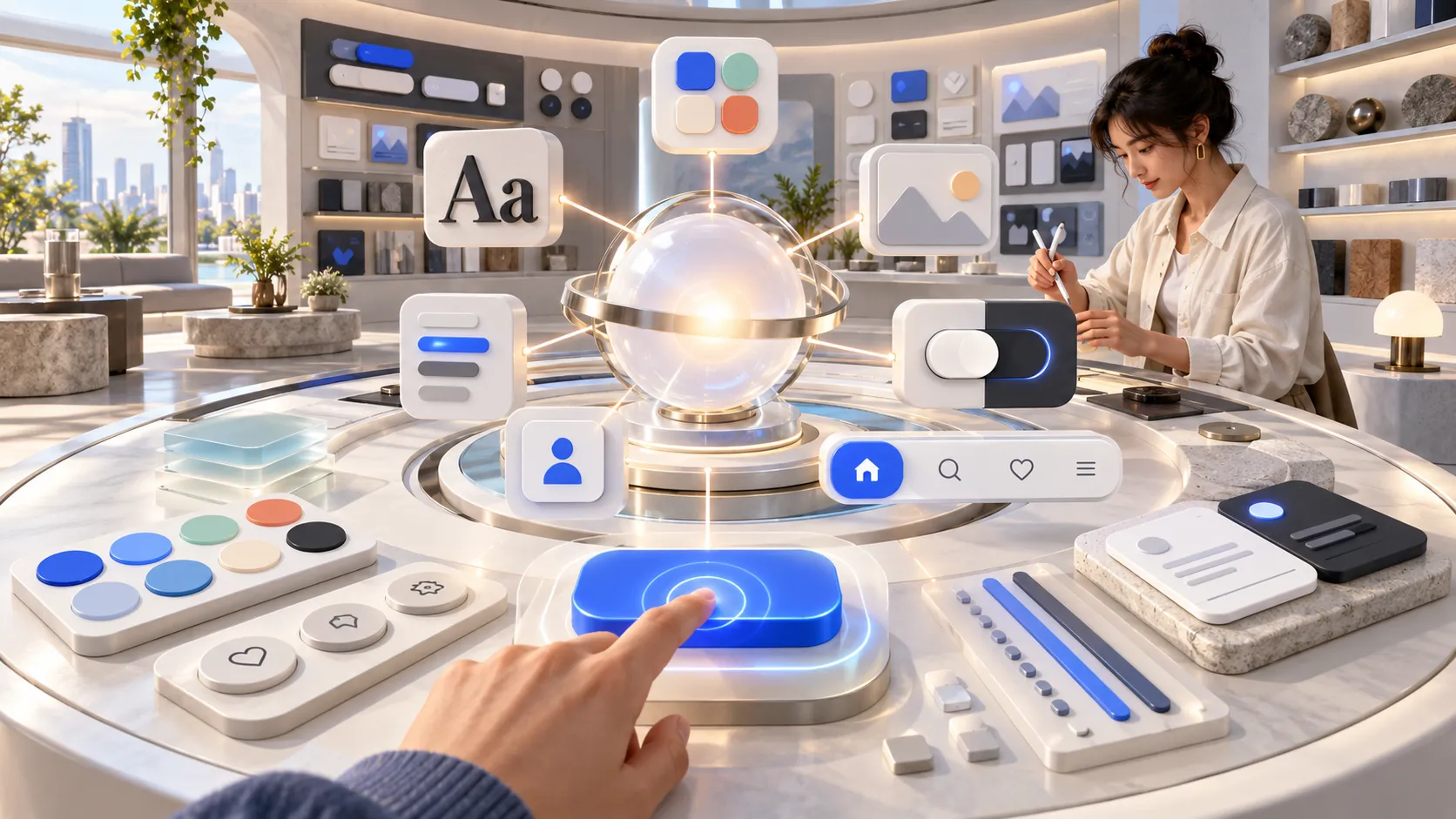
In an era where consumers can access information through websites and applications at their fingertips, business competition is not based solely on products and services, but also includes... User experience ( UX) and Designing a website or application's user interface (UI) that creates a positive first impression.
Many businesses invest heavily in online advertising and marketing but overlook the quality of their website. This results in users leaving the site quickly, being unable to find the information they need, or finding the website difficult to use, ultimately leading to lost sales opportunities.
For this reason UX/UI Design services have become essential for organizations of all sizes because it's a design process that helps websites or applications be user-friendly, meets customer needs, and increases opportunities for sustainable sales growth.
This article will take you on a deep dive into... Why are UX/UI design services important? How do they help increase conversions ? This includes design techniques that meet the needs of both users and AI search in 2026.
What are UX/UI Design services ?
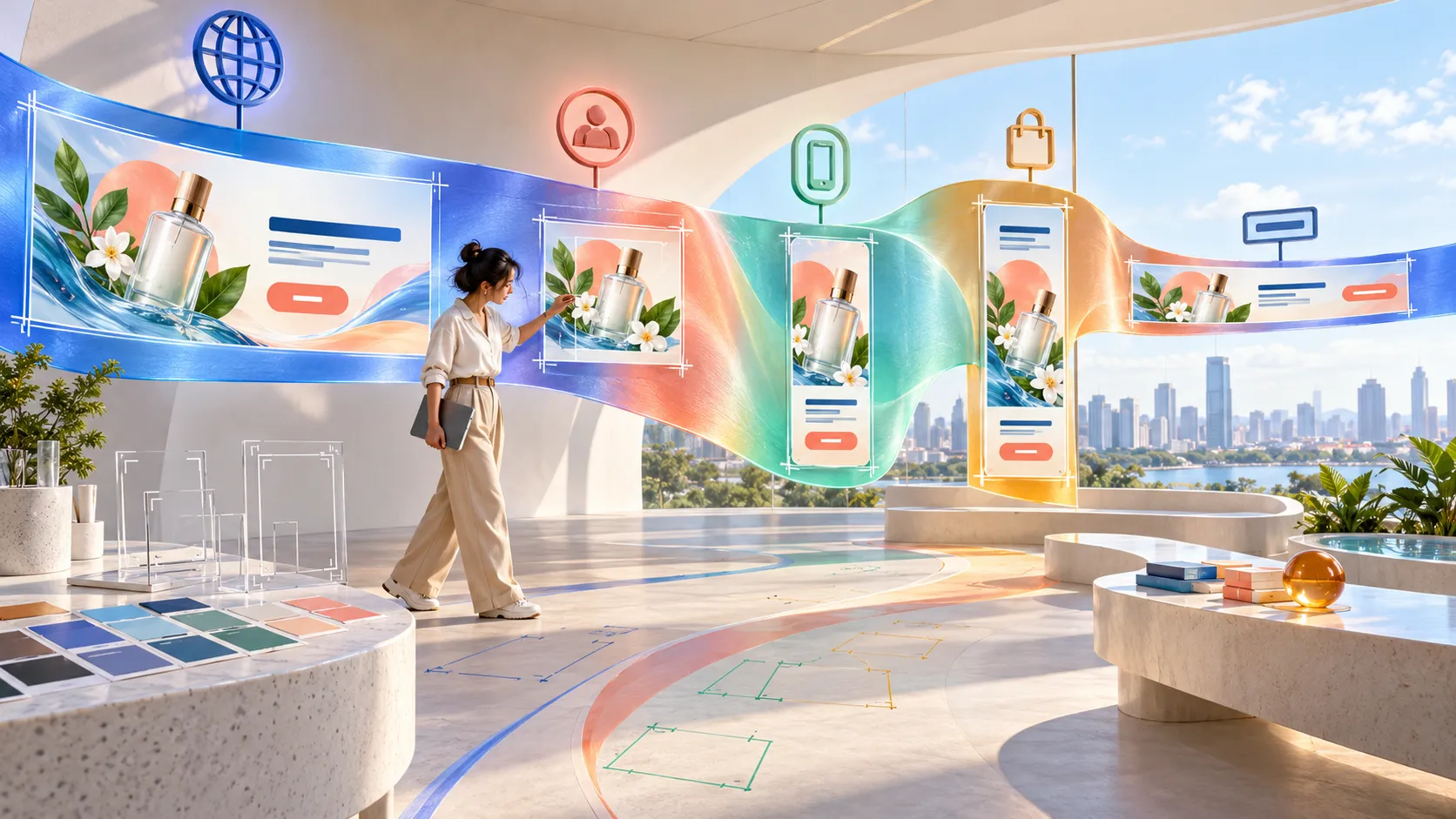
UX/UI Design services are... Our services are focused on creating the best possible user experience, from analyzing target audience behavior and designing website wireframes and user flow diagrams to designing visually appealing, user-friendly websites or applications that are compatible with all devices.
Although many people often refer to UX and UI together, in reality, they have different functions, as follows:
UX Design (User Experience)
UX Design is... The overall user experience is designed with a focus on ensuring users can access information and perform their needs easily, quickly, and without confusion.
Examples of UX work include:
- Analyze user behavior.
- Study the Customer Journey
- Design User Flow
- Create a wireframe.
- Usability Testing
- Improve the experience based on real data.
A key goal of UX is... Make users feel that using the website or application is easy and impressive.
UI Design (User Interface)
UI Design is... Designing elements that users see and interact with directly, such as:
- Website colors
- font
- CTA button
- Icon
- Layout
- illustration
- Animation
- Responsive Design
UI is not just about aesthetics; it must also help users easily understand information and encourage action, such as making a purchase, signing up for membership, or filling out a contact form.
UX/UI design services important to business sales ?
Many people believe that website design is solely about aesthetics, but in reality... UX/UI Design services have a direct impact on business results, from website traffic and user engagement to sales and customer loyalty.
1. Increase the conversion rate.
A user-friendly website helps customers easily achieve their goals, such as:
- Order products
- Request a quote
- Fill out the form.
- Register
- Contact the company.
When the processes are not complicated, users tend to make decisions faster, resulting in a significant increase in the conversion rate.
2. Reduce the bounce rate.
If a website loads slowly, has a complex menu, or users can't find information, they often leave the site within seconds.
Usage UX/UI Design services help optimize website structure for ease of use, increasing visitor engagement and effectively reducing bounce rates .
3. Build credibility for the brand.
Users often judge the trustworthiness of a business from its website's appearance within just a few seconds. A professionally designed website helps create a positive image, conveys attention to detail, and builds customer confidence in choosing your products and services.
4. Compatible with all devices.
Nowadays, most users access websites via smartphones and tablets, so Responsive Design is a crucial element. Our UX/UI design service ensures websites display optimally on all screen sizes, providing users with a consistently positive experience regardless of the device they are using.
UX/UI Design techniques that help increase sales.
Having a beautiful website can create a great first impression, but if it's difficult to use, loads slowly, or confuses users, you could lose a sale in seconds. Therefore... UX/UI Design Services An effective website therefore requires a combination of aesthetics, ease of use , and user behavior analysis, ensuring that every element on the website truly supports business goals.
The following are key techniques to help increase sales and enhance the user experience.
1. Study user behavior ( User Research)
The heart of UX/UI Design services involve understanding the user before starting the design process.
Gathering in-depth data helps to find out that...
- Who is the target audience?
- What information does the customer need?
- What problems did the customer encounter during the process?
- What factors influence the purchasing decision?
Popular tools include:
- User Interview
- Survey
- Heatmap
- Session Recording
- Google Analytics
- Microsoft Clarity
Once user behavior is understood, designers can create websites that more precisely meet user needs.
2. Design a short and clear user flow .
User flow refers to the path a user takes from entering a website to achieving a specific action.
example A good user flow.
Homepage
↓
Choose a service.
↓
Read the details.
↓
Fill out the form.
↓
Get a quote.
Every step should be continuous and not complicated, because if there are too many steps, users may leave the website before completing the process.
3. Use the Visual Hierarchy principle.
Visual hierarchy is a way of prioritizing information so that users see what is important first.
example
- The main topic is clear.
- Call-to-Action button is eye-catching.
- Use white space appropriately.
- Clearly categorize the information.
Good information organization helps users understand content quickly and reduces confusion during use.
4. Design a distinctive CTA (Call-to-Action) button.
CTAs (Contractual Actions) are elements that directly impact conversions .
Examples of thought-provoking messages include:
- Request a quote
- Contact an expert.
- Try it for free.
- Schedule an appointment for a consultation.
- Download the brochure.
A good CTA should...
- Easily visible
- Use concise language.
- It has a different color from the other elements.
- In the right position.
5. Increase website loading speed.
A website that loads slowly, even for just a few seconds, can cause users to leave the site immediately. Improvements include:
- Compress images
- WebP files .
- Reduce the use of unnecessary scripts .
- Uses a caching system.
- Use a CDN.
- Optimize code for efficiency.
also a crucial factor in SEO rankings.
6. Supports Responsive Design.
Nowadays, most users access websites via smartphones, therefore... UX/UI Design services must therefore consider how the product displays on all devices.
Good responsive design should have...
- Easy-to-read font
- Appropriately sized buttons
- User-friendly menu
- Images are adjusted to fit the screen.
- The data entry form is easy to use on mobile.
When a website is responsive across all devices, users have a consistent experience and are less likely to leave the site.
7. Use design principles that are consistent with the brand.
UX/UI is not just about being easy to use, but also about reflecting the brand's identity. The elements that should be consistent include:
- Color tone
- Typography
- Icon
- Illustration
- Mood & Tone
- Language used for communication
When all elements are in synergy, it helps users remember the brand more easily and builds long-term trust.
UX/UI Design , SEO , and AEO related ?
Many people might think that UX/UI is about design and SEO is about ranking on Google , but in reality, the two are closely related. Websites designed using... Effective UX/UI design services often have a positive impact on SEO and AEO (Answer Engine Optimization) because they help both users and search engines easily access information.
How does good UX/UI impact SEO ?
- Reduce Bounce Rate
- Increase Average Session Duration
- Increase the number of pages viewed per visit.
- Supports Mobile-First Indexing.
- The webpage loads quickly.
- It has a well-organized data structure.
- Increase the chances of Google understanding the content better.
These factors all influence how a website ranks in Google search results.
UX/UI and AEO (Answer Engine Optimization)
AEO refers to designing website content and structure to be optimized for AI Search systems , such as:
- Google AI Overview
- ChatGPT
- Gemini
- Microsoft Copilot
- Perplexity AI
A website that supports AEO should have the following characteristics:
- There is a question-based heading.
- Answer the questions clearly and concisely.
- Use headings (H2, H3) systematically.
- This FAQ covers frequently asked questions by users.
- Use easy-to-understand language.
- There is a clear data structure.
- Supports Schema Markup.
When merged Our UX/UI design services , aligned with AEO principles, will not only make your website user-friendly but also increase its chances of being selected as a search engine result.
Examples of UX/UI elements that help increase conversion.
Businesses looking to increase online sales should focus on the following elements.
|
component |
benefit |
|
A hero banner that communicates clearly. |
It grabs your attention right from the homepage. |
|
The navigation is easy to use. |
Reduce confusion when searching for information. |
|
CTA is prominent. |
Encourage users to take action. |
|
The form is short and easy to use. |
Increase the data transmission rate. |
|
Customer reviews ( Testimonials) |
Build credibility. |
|
FAQ |
Reduce doubts before making a decision. |
|
Live Chat |
Increase your chances of closing sales in real-time. |
|
Trust Badge and Certificate |
Build confidence in users. |
All of these elements, when properly planned and designed, will... UX/UI Design services help create positive experiences, build trust, and support sustainable sales growth.
The process of providing professional UX/UI design services.
Building a successful website or application doesn't start with choosing colors or arranging elements beautifully, but with a deep understanding of the users and the business goals. Therefore... High-quality UX/UI design services therefore have a systematic workflow, as follows:
1. Business Analysis and Goal Setting
The first step is to understand the overall picture of the business, such as:
- The goal of a website or application.
- Target customer group
- Key features of the products and services.
- Competitors in the market
- Marketing Goals
This information will help guide the design to align with the organization's objectives and create the most user-friendly experience.
2. User Research
After understanding the business, the next step is to study user behavior to discover their needs, problems, and motivations for using the service.
Popular tools include:
- User Interview
- Online Survey
- Persona
- Customer Journey Map
- Heatmap Analysis
- Session Recording
- Google Analytics
Conducting user research helps reduce guesswork and leads to data -driven design.
3. Design the Information Architecture (IA).
Information Architecture , or IA , is the process of structuring all the information on a website or application.
For example,
- Main Menu
- Product Categories
- Service page
- Article page
- Contact Page
- Registration page
A well-structured website helps users find information quickly and also allows search engines to understand the website more easily, which is beneficial for SEO and AEO.
4. Create a wireframe.
A wireframe is a draft of a website before the actual design phase. It shows the placement of various elements, such as:
- logo
- menu
- Banner
- CTA button
- picture
- content
- Footer
The advantage of a wireframe is that it helps the team and the client see an overview of the website before starting the design process, reducing the time spent on revisions in subsequent steps.
5. Design User Interface (UI Design)
Once the website structure is clear, the next step is to design a visually appealing website that aligns with the brand image.
Key components include:
- Color Palette
- Typography
- Icon
- Illustration
- Button Design
- Card Design
- Animation
- Responsive Layout
UI design helps create a positive impression and makes a website look more professional.
6. Usability Testing
Before a live launch, the website should undergo testing to identify any potential problems.
Examples of tests include:
- Are the buttons easy to use?
- Is the data entry form convenient?
- Can users find information quickly?
- How quickly does the webpage load?
- Does it support all mobile screen sizes?
The results of the testing will be used to improve the website so that it is ready for live use and provides the best possible user experience.
UX/UI Design Trends Businesses Should Know in 2026
The digital world is constantly changing, making it possible for... UX/UI design services must constantly adapt to technology and consumer behavior.
1. AI-Powered Personalization
The website will be able to personalize its display for each user, such as:
- Automatic product recommendation.
- Change the banner based on interests.
- Show personalized promotions.
- Adjust the content order based on user behavior.
The use of AI helps users have a more personalized experience and increases the likelihood of making a purchase.
2. Voice User Interface (VUI)
Voice search is becoming increasingly popular, making it essential for websites to support natural language search queries . UX/UI design should therefore prioritize quick access to information and clearly present content to answer user questions, aligning with AEO (Agricultural Economics) principles.
3. Microinteraction
Micro-interactions are small animations or responses that occur when users interact with a website, such as:
- Button changes color when mouse is hovered over it.
- Animation after successful form submission.
- Loading Effect
- Receive notification when the process is complete.
Even though it's a small detail, it helps to improve the smoothness of the user experience and creates a better feeling for the user.
4. Dark Mode
Dark Mode remains a popular feature because it helps reduce eye strain and provides more usability options, especially for those who use websites or applications for extended periods.
5. Accessibility Design
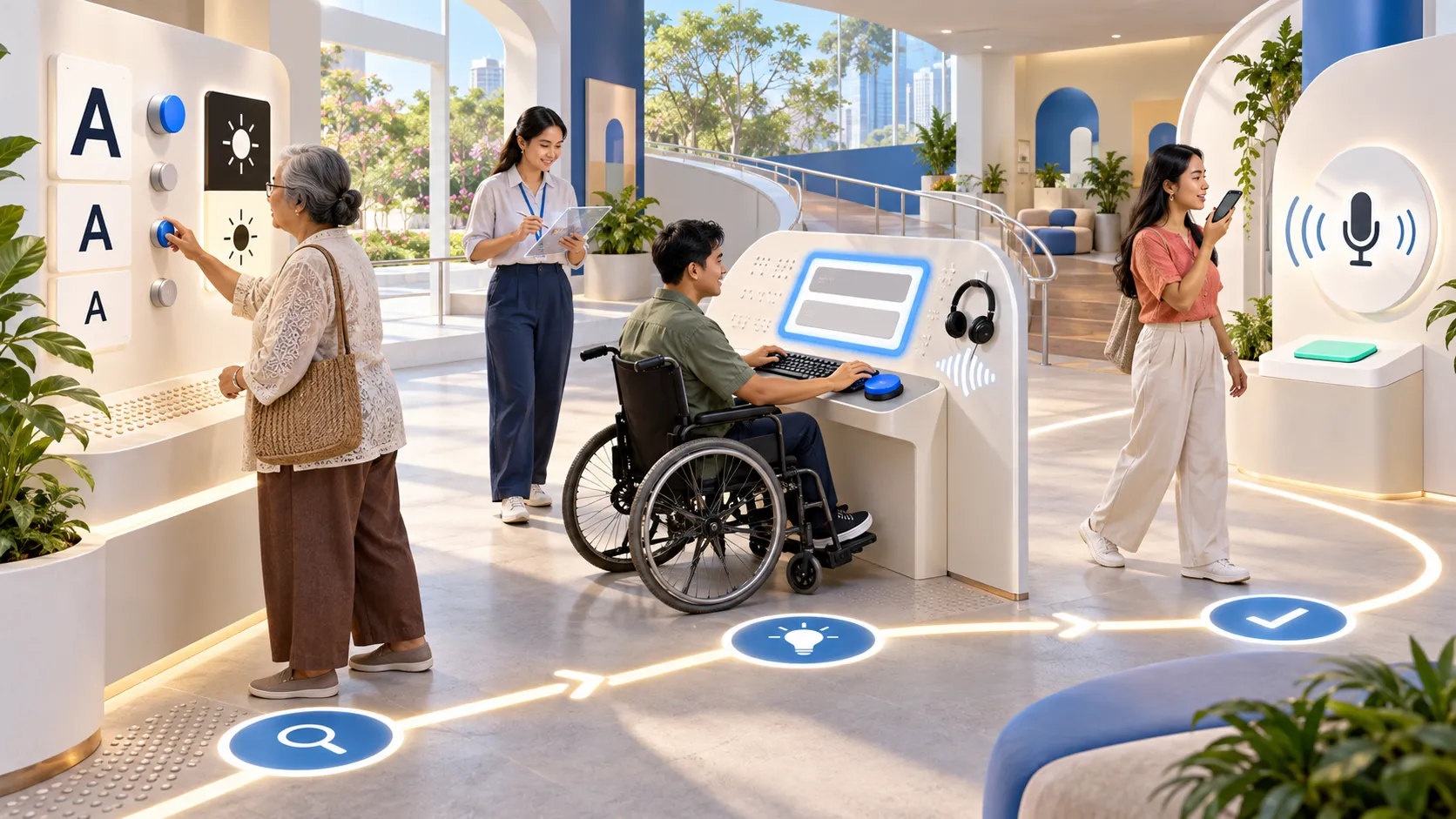
The website should be designed to be accessible to everyone, including the elderly and people with disabilities.
For example,
- Colors with sufficient clarity.
- Appropriate font size
- Supports screen reader.
- Can be operated via keyboard.
- There is a text description ( Alt Text) for the image.
Accessible design not only helps expand the user base but also has a positive impact on SEO .
UX/UI Design Service Provider
Choosing a skilled service provider will help businesses get a functional, aesthetically pleasing website or application that delivers long-term business results.
The following factors should be considered:
They have diverse experience and achievements.
You should review their portfolio to see their past work experience, as well as experience in industries related to your business.
Understanding UX, UI , and the business aspect.
A good service provider shouldn't design solely for aesthetic purposes, but must understand business goals, marketing strategies, and user behavior so that the design can produce tangible results.
Supports SEO and AEO.
A well-designed website should have a structure that facilitates search engine ranking and is compatible with AI search, such as:
- Clear heading structure
- Responsive Design
- Loading speed
- Internal Linking
- Structured Data (Schema)
- FAQ for Answer Engine
We have a website development team alongside a design team.
UX/UI design should be adaptable for development into a real website or application without losing detail or performance during development. Having a design team and a developer team working together from the beginning helps reduce delivery problems and ensures the project is completed on schedule.
After-delivery service is available.
Websites should be continuously maintained and improved, such as:
- Analyze user behavior.
- Improve UX/UI based on real data.
- Add new features.
- Improve website performance.
- Test the functionality regularly.
Continuous improvement will help websites respond to user needs and the ever-changing competition in the market.
Why choose Webpark Co., Ltd. for UX/UI Design services?
Designing a good website or application isn't just about creating a visually appealing interface. It must also meet user needs, align with business goals, and deliver measurable results. This is why choosing a partner with expertise is crucial.
Webpark Company Limited We provide comprehensive digital solutions, supported by a team of experts in UX/UI Design, Web Development, Mobile Applications, SEO, Digital Marketing , and enterprise software systems. This allows us to plan and develop solutions that effectively address both user experience and business objectives.
WebPark's services cover a wide range of...
- UX/UI Design services for websites and applications.
- Developing a corporate website .
- Developing E-Commerce
- Develop Web Applications and Mobile Applications.
- Develop CRM, ERP , and HRM systems.
- SEO and AEO services
- Digital Marketing
- Social Media Marketing
- Online Advertising
- Data Analytics and Dashboards
Our work begins with business research, analyzing user behavior, and designing experiences that meet customer needs. Webpark Company Limited This helps organizations create websites and digital platforms that are not only beautiful but also help increase conversion rates , generate sales, and achieve sustainable growth.
Frequently Asked Questions ( FAQ)
1. What is UX/UI Design service ?
UX/UI Design services help design the user experience and user interface of a website or application to make it easy to use, aesthetically pleasing, and meet user needs, ultimately increasing satisfaction and sales opportunities.
2. What is the difference between UX and UI ?
UX (User Experience) refers to the design of the entire user experience, from searching for information and navigating to performing various actions within a website. UI (User Interface) refers to the design of the elements that users see and interact with, such as colors, fonts, buttons, menus, and the layout of a website or application. Both parts must work together to create the best possible user experience.
3. How can UX/UI design services help increase sales ?
UX/UI design helps users easily find information, simplifies the ordering process, increases brand credibility, and encourages user action such as purchases, registration, or inquiries, resulting in higher conversion rates and sales.
4. Does a well- designed UX/UI website have an impact on SEO ?
This has a significant impact because websites that are user-friendly, load quickly, are mobile-friendly, and have a well-organized data structure will reduce bounce rates , increase user engagement, and improve Google rankings, as well as increase the chances of appearing in AI Search results according to AEO principles .
5. What types of businesses should use UX/UI design services?
Almost every business can benefit from... UX/UI Design services , including:
- Organization website
- Online stores ( E-Commerce)
- Service business
- Hospitals and clinics
- Educational Institutions
- Real estate business
- Tourism business
- financial business
- Internal enterprise systems ( ERP, CRM, HRM)
- Mobile Application
6. How long does UX/UI design take ?
The timeframe depends on the size and complexity of the project. Generally,
- Landing Page: 1–2 weeks
- Corporate Website: 3–6 weeks
- E-commerce Website: 4–8 weeks
- Mobile Application: 6–12 weeks or more
The timeframe will depend on the number of screens, functions, and testing procedures prior to actual implementation.
7. Does your UX/UI Design service support AI Search ?
By implementing Answer Engine Optimization (AEO) principles in conjunction with UX/UI design, a website will have a structure optimized for AI Search processing, such as Google AI Overview, ChatGPT, Gemini , and other AI platforms , increasing the chances of content being selected as a search result.
Summarize
Today, websites are not just a platform for displaying company information, but a crucial tool for building credibility, communicating with customers, and generating sales for businesses.
Investing in UX/UI design services are a worthwhile investment because they help make websites or applications easy to use, meet user needs, and effectively increase the chances of converting visitors into customers.
Furthermore, good design should align with SEO and AEO principles to ensure a website is competitive on both Google Search and AI Search, which is expected to play an increasingly important role in 2026.
If your organization is looking for a specialist in... We offer comprehensive UX/UI design services , including business analysis, user experience design, website development, and digital marketing strategy planning. Webpark Company Limited We are ready to be your partner in helping your business grow steadily in the digital world.
Contact us
Webpark Co. , Ltd.
525/89 Soi Ladprao 126 (Karnporn), Phlapphal, Wangthonglang, Bangkok 10310
Email: oraphan@webpark.co.th
Tel: 095 539 2666
Let us be your technology partner to help drive your business towards efficient management and support stable and sustainable growth in the digital age.